



08.08.14, 15:24
This is a very straight forward tool that generates four kinds of grid. You type in the number of rows and columns, and the size of the unit, then click a button.
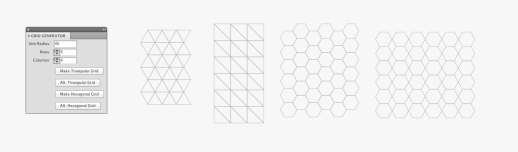
While those grids might seem basic to mathematicians, I thought it'd be handy to have something like this in AI for graphic artists. Something looking basic at first can be creatively altered and became something interesting. I attached two quick-dirty mockups just to demonstrate some possibilities.
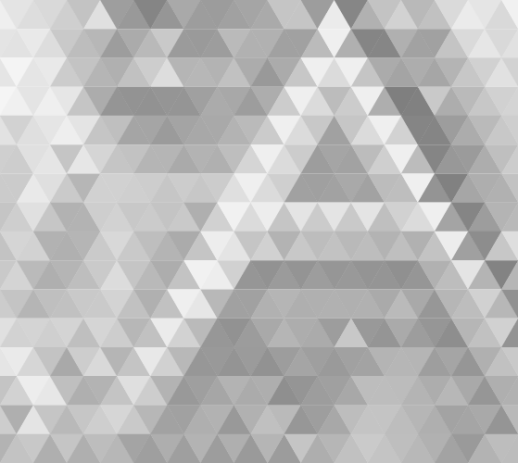
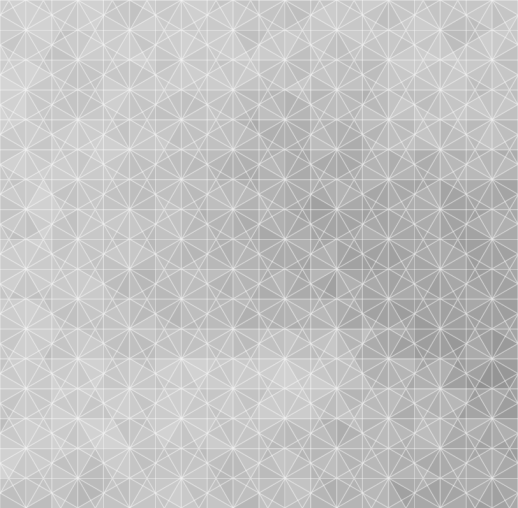
My favorite trick is to use the raster.getAverageColor() function to layout a rich and abstract color combination. If you feel like to try, copy the code below to the end of my scripts:
- -----------------------------------
// Pickup colors from a raster//
//NOTE: An image must be placed within the artboard and rasterized//
var rasters = document.getItems({
type: Raster,
selected: true
});
var paths = document.getItems({
type: Path,
selected: true
});
if(rasters.length >0 && paths.length >0){
var raster = rasters[0];
for(var i=0; i<paths.length; i++) {
var path = paths[i];
var color = raster.getAverageColor(path);
path.fillColor = color;
}
}else{
Dialog.alert('Please select at least one rasterized image and one path overlapping on top.');
}
- -------------------------------------------
UPDATE: 01/10/2012
I uploaded the above lines as a separate script.